Navigation for Dutch mopeds, speed pedelecs and microcars
The road
has rules
Your route
should too
Choose your vehicle and 45weg plans a route for the rules that apply to it.
- Vehicle classes
- 4
- Coverage
- NL
- Languages
- EN / NL
 G12a paths when required●
The speed limit for your vehicle●
No route when 45weg cannot verify one●
G12a paths when required●
The speed limit for your vehicle●
No route when 45weg cannot verify one●
Your vehicle comes first
Your vehicle
changes the route
The four Dutch vehicle choices follow different rules. Choose one to see where it may ride.
Bromfiets
Yellow plate · 45 km/h class
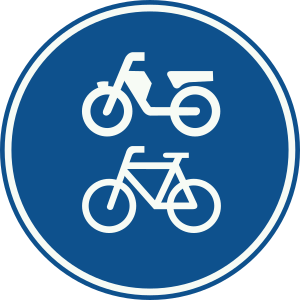
A bromfiets uses the roadway unless a G12a fiets/bromfietspad is mandatory. It cannot use G11 or G13 paths.
On the roadway
On a cycle path
- RoadwayRijbaanAllowed
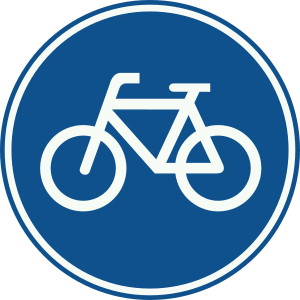 G11Verplicht fietspadNot allowed
- G12aFiets/bromfietspadRequired
 G13Onverplicht fietspadNot routed
The speed shown is the limit for this vehicle, not the limit for cars. On a cycle path, 45weg shows the lower built-up-area limit when it cannot confirm the setting.
In the app
Guidance for
your vehicle
Choose your vehicle before planning. The route, speed limits and turn-by-turn guidance stay linked to that choice.
- Readable at a glanceLarge, high-contrast text keeps important details clear.
- Large tap targetsThe controls remain practical when you wear gloves.
- Clear route lineThe route stands out from the map and the controls around it.
- The line you still have to ride
- The plate you are riding under
- Arrival time and distance left
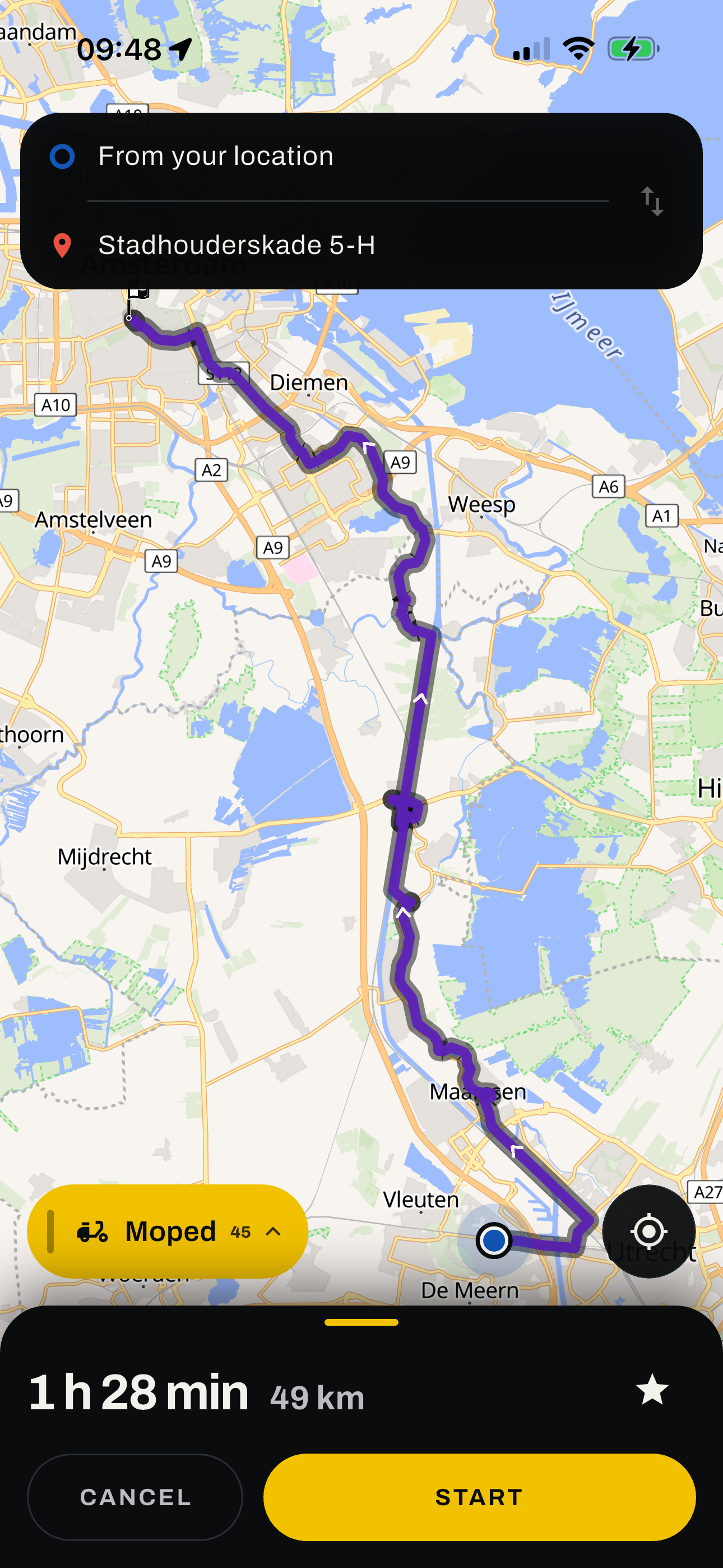
Clear route results
Know what
happens next
45weg keeps route found, no legal route and outside coverage clearly separate.
-
01
Route found
Preview the complete route before you start, then follow the turn-by-turn guidance.
-
02
No legal route
There is no route to the destination that the selected vehicle may legally use. No route line is shown.
-
03
Outside coverage
45weg cannot verify routes outside the supported area, so it does not draw one.
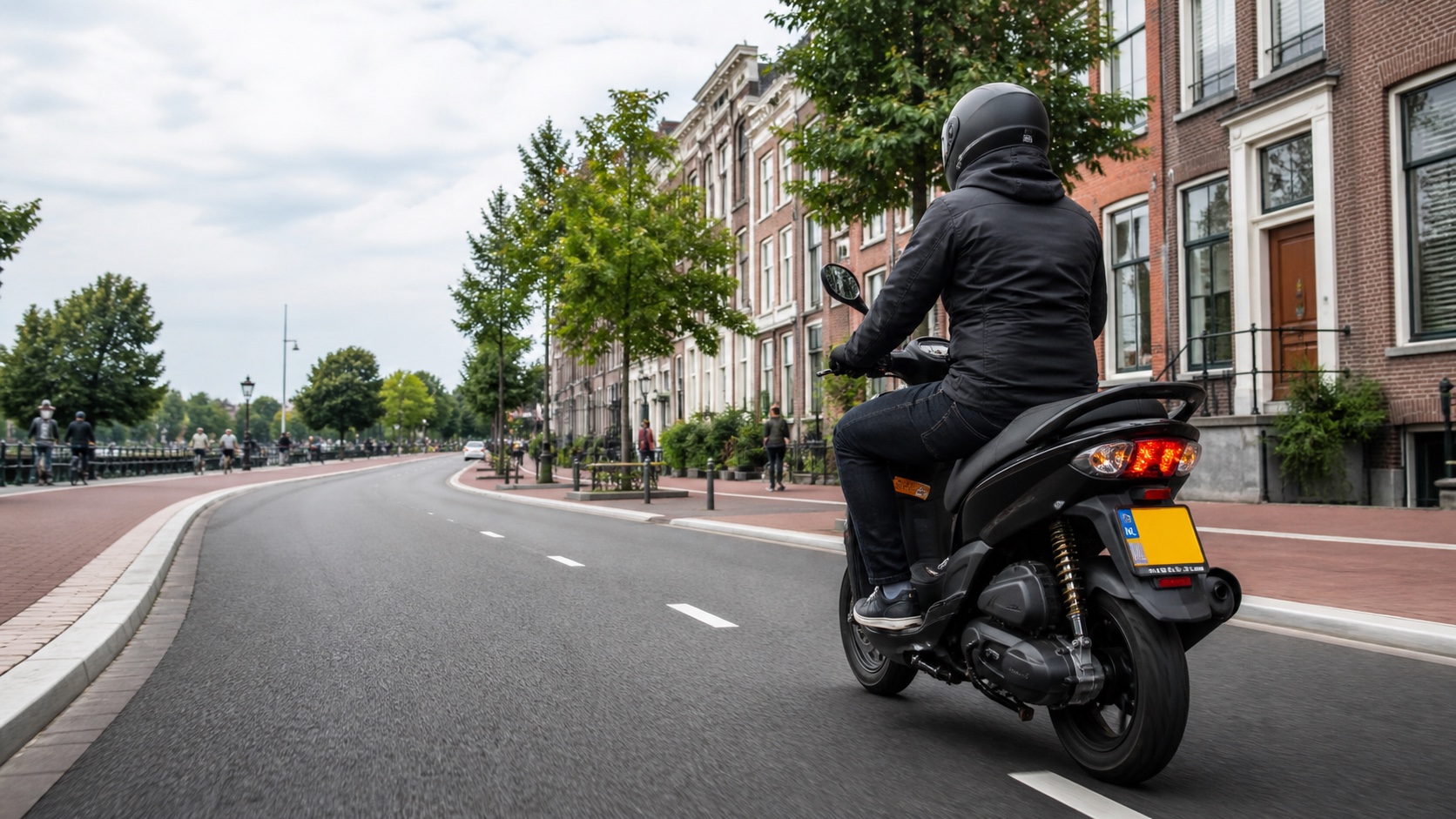
Made for Dutch 25 and 45 km/h vehicles
Your rules depend
on what you ride
These vehicles do not all follow the same bicycle or motorcycle rules. 45weg uses the rules for the vehicle class you select.
Privacy in plain words
Your route is a request,
not a diary
45weg uses your location and destination to calculate and guide the route. The routing service does not log the coordinates or keep a route history.
Read the Privacy PolicyQuestions
Before
you ride
Which vehicles does 45weg support?
Snorfiets, bromfiets, speed pedelec and brommobiel. Choose the exact vehicle so 45weg can apply the matching access and speed rules.
Does 45weg work outside the Netherlands?
No. Route coverage is limited to the Netherlands. Outside that area, the app says it cannot verify a route and does not draw one.
Will 45weg always find a route?
No. If there is no legal route for the selected vehicle, 45weg shows "No legal route" and draws no route line.
Does it replace the signs on the road?
Never. Signs, signals, closures and what you can see in front of you always come first. 45weg is a navigation aid, and the road is the authority.
What does it cost?
45weg is free to use and has no in-app purchases.
Do I need an account?
No. You can plan and follow routes without an account. Sign in only if you want to save Home, Work and other places, and keep them when you change phones. You can delete the account and its saved data from Settings at any time.
Does it track me?
No. 45weg has no advertising or cross-app tracking. Crash reports and usage data are separate options under Settings, Privacy, and both are off by default. They never include routes, precise locations or searches. The routing service does not log route coordinates.
Which languages does the app speak?
English and Dutch. Choose the language in Settings.
45weg for iPhone
Plan for
your vehicle